
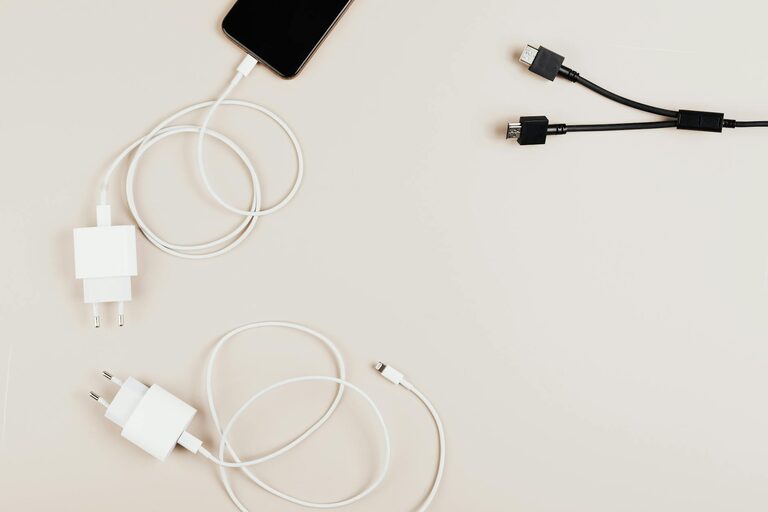
Setting up a dedicated charging station for your devices is a simple yet effective way to keep your home organized and ensure that all your gadgets are always ready to use. Whether you have smartphones, tablets, laptops, or other rechargeable electronics, a charging station centralizes power sources and minimizes clutter. In this post, we’ll walk you through how to set up an efficient charging station that fits your needs.
Why Set Up a Charging Station?
With multiple devices in every household, tangled cords and scattered chargers are common frustrations. A charging station:
– Reduces clutter by consolidating cables.
– Provides a designated spot for devices.
– Helps track charging progress quickly.
– Protects devices by using proper charging setups.
Creating a charging station can save time and extend the life of your electronics by avoiding overcharging or damaging cords.
What You’ll Need
Before diving in, gather your supplies based on the types and number of devices you want to support:
– Power strip or multi-port USB charger: Choose one with enough outlets/ports to handle your devices simultaneously.
– Cable organizers: Clips, ties, or sleeves to keep cords untangled.
– Docking station or trays: Optional, but helpful for placing devices neatly.
– Labeling materials: Stickers or tags to label each cable or port.
– A sturdy surface: Table, shelf, or drawer space near a power outlet.
Step 1: Choose the Location
Select a central area in your home where most charging will take place. Common options include:
– Living room side table
– Kitchen counter
– Home office desk
– Bedroom nightstand
Consider a spot with easy access to a power outlet and enough room to place all your devices comfortably. Good ventilation is also ideal to prevent devices from overheating.
Step 2: Pick the Right Charging Equipment
Depending on your devices, choose the most suitable charging hardware:
– For multiple USB devices, a multi-port USB charger (with smart charging capabilities) is efficient and space-saving.
– For laptops or devices requiring specific chargers, use a power strip with surge protection.
– Wireless charging pads can be added for compatible phones and earbuds, reducing cable clutter.
Make sure to buy certified chargers to ensure device safety.
Step 3: Organize Your Cables
Cable management is key for a tidy charging station:
– Use cable clips attached to the side or back of the charging station surface to keep cords in place.
– Employ cable sleeves or wraps to bundle multiple cords together.
– Label each cable near the connector to avoid confusion.
– Keep charging cables as short as practical to prevent tangling.
– Consider retractable cables for flexibility and neatness.
Step 4: Arrange the Devices
Designate specific spots for each device:
– Use a charging dock or stand to hold smartphones and tablets upright while charging.
– Place smaller devices like wireless earbuds in a tray or container.
– Arrange devices in order of size or usage frequency.
– Avoid stacking devices directly on top of each other to prevent heat buildup.
Step 5: Maintain Your Charging Station
Regular upkeep keeps your station functional and clutter-free:
– Remove dust and clean cables periodically.
– Check cables and chargers for wear or damage.
– Reorganize cords if new devices are added or removed.
– Ensure the power strip isn’t overloaded, and unplug chargers when not in use.
Additional Tips for an Efficient Charging Station
– Use color-coded cables or labels to quickly identify which charger belongs to which device.
– Consider a portable battery pack nearby for charging on the go.
– Keep your charging station out of reach of children and pets to prevent accidents.
– Install a small LED light or indicator to easily locate the station in low light.
Conclusion
Setting up a charging station at home is a practical way to keep your devices organized and always ready. By choosing the right location, equipment, and cable management system, you can create a neat, efficient space that simplifies your daily routine. Plus, maintaining the station helps prolong your devices’ lifespan and reduces the risk of damage. Give it a try and enjoy a more organized and connected home!
—
Feel free to customize your charging station further based on your lifestyle and gadget collection. Happy charging!